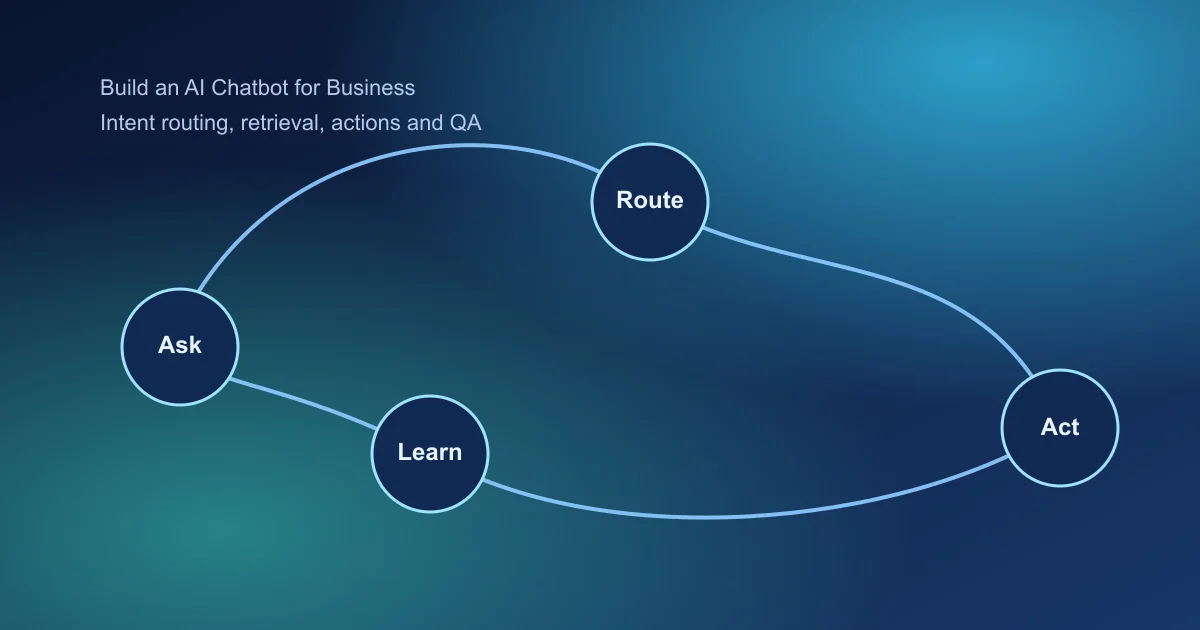
Search demand for business chatbot projects is high because teams need scalable support and qualification. The key is to narrow scope, ground responses, and instrument quality from day one.
Why This Project Is Worth Building
Many teams launch chatbots that answer quickly but fail to resolve real requests. That creates more tickets, not fewer. A better chatbot behaves like an operations system: it identifies intent, uses trusted knowledge, and knows when to escalate.
If you design this system around one business workflow first, you get faster deployment, cleaner analytics, and easier expansion into additional intents.
Key Takeaways
- Start with one high-frequency intent cluster.
- Ground answers in controlled knowledge sources.
- Design clear escalation paths to human support.
1. Pick One Business Workflow First
Focus on one workflow such as support ticket triage, policy questions, or lead qualification. Avoid broad "assist with everything" scope.
- High volume of similar questions
- Clear answer sources and ownership
- Measurable resolution outcome
2. Build a Reliable Knowledge Layer
Business chatbot quality depends on source quality. Build ingestion rules for docs, FAQs, and policy changes.
- Normalize and chunk source documents
- Add metadata for product, region, and policy version
- Re-index on scheduled updates
- Log unresolved queries for content improvements
3. Design Conversation Paths with Guardrails
Use explicit intent routing and structured answer templates for critical flows.
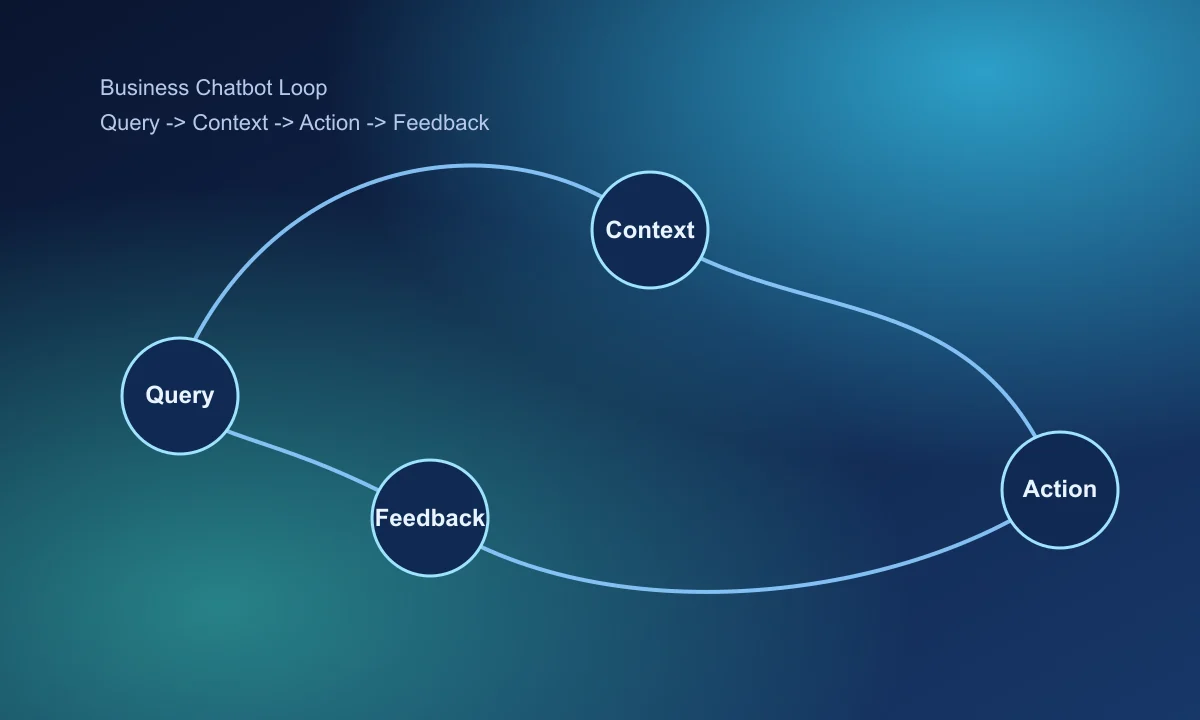
- Detect intent and confidence.
- Retrieve grounded context.
- Respond with concise actionable output.
- Offer next step or clarification.
When confidence is low, ask clarifying questions instead of guessing.
4. Implement Human Handoff Rules
- Escalate low-confidence answers automatically
- Escalate high-risk intents (billing, legal, outages)
- Pass full conversation context to human agent
- Tag escalation reasons for weekly review
Handoff quality strongly affects trust and repeat usage.
5. Track Metrics That Predict Business Impact
- Self-serve resolution rate by intent
- Fallback and escalation rate
- Median time-to-resolution
- User satisfaction after chat completion
- Deflection value vs support cost baseline
6. Launch in Controlled Stages
Start with internal QA and constrained external traffic before full rollout. Ship one quality improvement every week.
Final takeaway
Business chatbot success comes from operational reliability, not flashy dialogue. Build one dependable workflow, measure outcomes, and expand carefully.
Next steps: RAG application tutorial and AI agent project guide.
Frequently Asked Questions
What is the best first use case for a business AI chatbot?
Start with one repetitive support or sales qualification workflow where answers rely on stable internal knowledge.
Should a chatbot include human handoff from day one?
Yes. Reliable handoff paths increase trust and prevent failed conversations from turning into churn.
How do I measure chatbot quality?
Track resolution rate, fallback rate, response quality corrections, and time-to-resolution by intent category.