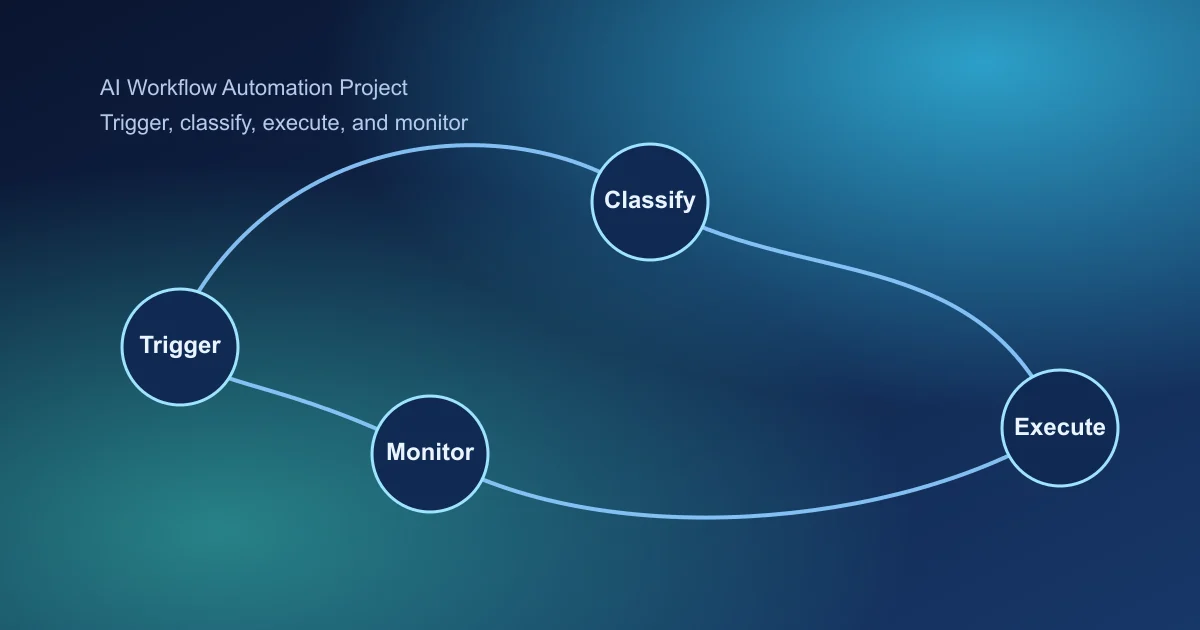
AI workflow automation is a top search topic because teams want faster operations with fewer manual handoffs. The fastest wins come from one narrow workflow with clear baseline metrics.
What Makes Automation Projects Succeed
Most automation failures come from hidden process complexity, not from model quality. If handoffs, approvals, and exceptions are unclear, automation amplifies confusion instead of reducing work.
A good automation project starts with a transparent process map and explicit fallback behavior before any scaling effort.
Key Takeaways
- Automate one high-frequency workflow end to end first.
- Separate deterministic logic from AI decision points.
- Add monitoring and rollback rules before full rollout.
1. Map the Current Workflow Before Automating
- Capture each step, handoff, and dependency
- Identify delay points and error hotspots
- Define where AI adds value vs where rules are enough
This map prevents fragile automations with hidden edge cases.
2. Define Triggers and Input Contracts
Use strict input schemas and idempotent trigger handling for stable behavior.
- Event source and payload structure
- Required vs optional fields
- Deduplication and replay handling
- Timeout and retry policy
3. Keep Decision Logic Explicit
Use deterministic rules for policy and compliance boundaries. Use AI for classification, generation, or ranking tasks.
- Rule checks (policy, permissions, routing)
- AI decision step (classification/extraction/generation)
- Validation checks and confidence gating
- Action execution and event logging
4. Add Fallback Paths for Production Safety
- Low-confidence -> human review queue
- Tool failure -> retry then alternate action
- Policy conflict -> safe no-op with alert
- Data mismatch -> request correction flow
5. Monitor by Workflow Stage
- Event intake success rate
- AI decision confidence distribution
- Action execution success/failure rate
- End-to-end completion latency
Stage-level monitoring is essential for diagnosing automation drift.
6. Track ROI with Baseline Comparisons
- Cycle time before vs after automation
- Error and rework rate changes
- Manual effort hours reduced
- Operational cost per completed workflow
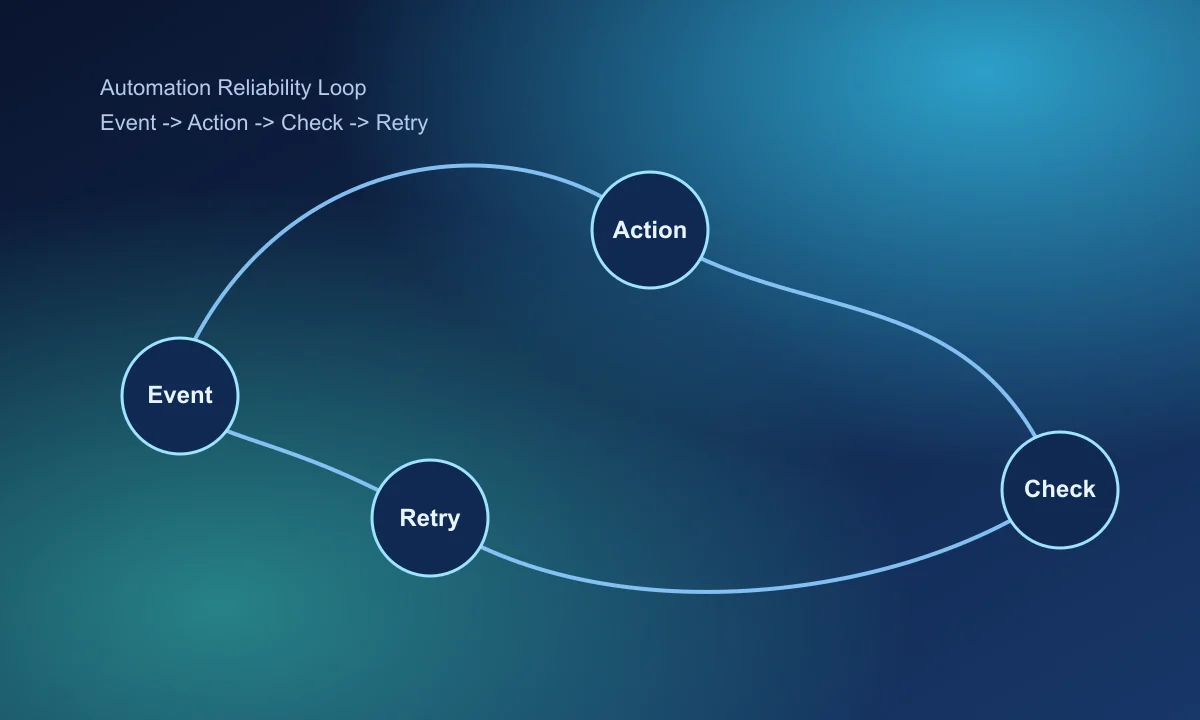
Final takeaway
Successful AI workflow automation is operational engineering: clear contracts, safe decisions, and measurable outcomes.
Continue with AI agent project guide and pilot-to-paid conversion playbook.
Frequently Asked Questions
What workflow should I automate first with AI?
Start with a repetitive workflow that has clear handoffs and measurable business outcomes like time saved or error reduction.
How do I avoid brittle automation failures?
Use explicit fallback paths, retries, confidence thresholds, and human approval for risky steps.
Which metric proves automation value fastest?
Track completed workflow cycle time versus manual baseline, then add quality/error metrics by step.